Pixel flying balls1.0.1
Publisher Description
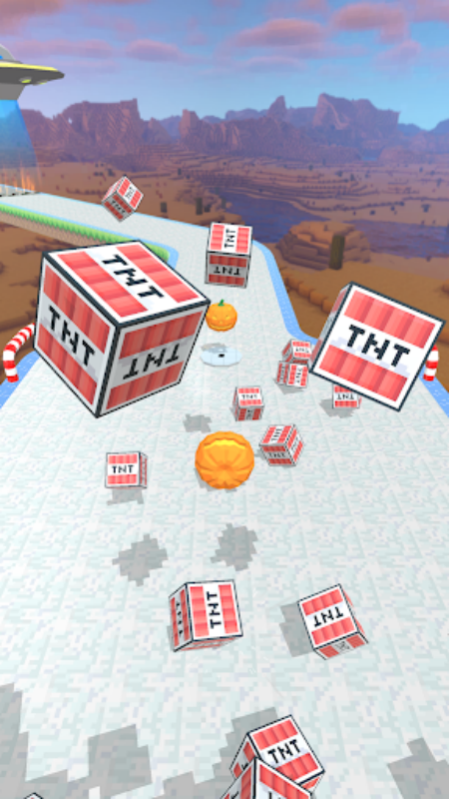
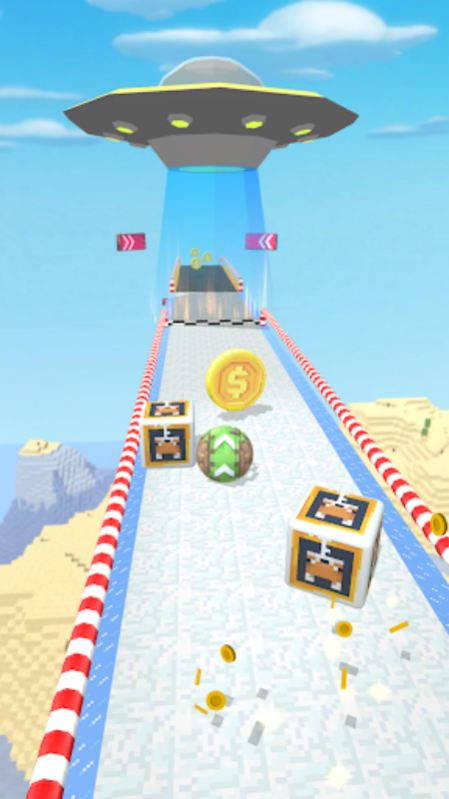

Only focus and speed will help you unlock more levels with new challenges. Discover a way to use one finger, you just swipe and start playing. There are different levels of difficulty in the game, full of adventures. Prove your ball rolling skills by getting the rolling ball through all obstacles or reach it safe and sound. At each level of the game, you will face tons of traps and obstacles.
Unexpected obstacles lie ahead in this challenging rolling ball platformer!
Let's get ready to feel happy and relax by playing ball. Roll, spin, jump and don't die from unexpected obstacles. Get ready and take part in epic ball games in different environments.
Swipe on the screen to scroll forward at a very fast speed, pay attention to keep on the track, otherwise it will fall off the track and fall down.
About Pixel flying balls
The company that develops Pixel flying balls is 深圳市优智信息技术有限公司. The latest version released by its developer is 1.0.1.
To install Pixel flying balls on your Huawei device, just click the green Continue To App button above to start the installation process. The app is listed on our website since 2023-04-13 and was downloaded 1 times. We have already checked if the download link is safe, however for your own protection we recommend that you scan the downloaded app with your antivirus. Your antivirus may detect the Pixel flying balls as malware as malware if the download link to C107970801 is broken.
How to install Pixel flying balls on your Huawei device:
- Click on the Continue To App button on our website. This will redirect you to Huawei Store.
- Once the Pixel flying balls is shown in the Huawei Store listing of your Huawei device, you can start its download and installation. Tap on the Install button located below the search bar and to the right of the app icon.
- A pop-up window with the permissions required by Pixel flying balls will be shown. Click on Accept to continue the process.
- Pixel flying balls will be downloaded onto your device, displaying a progress. Once the download completes, the installation will start and you'll get a notification after the installation is finished.
